
Receptionist scheduling
Choose a doctor, find or add the patient, select the time and room, set the status, and save.
Plan the day across doctors and rooms without losing track of status or ownership.
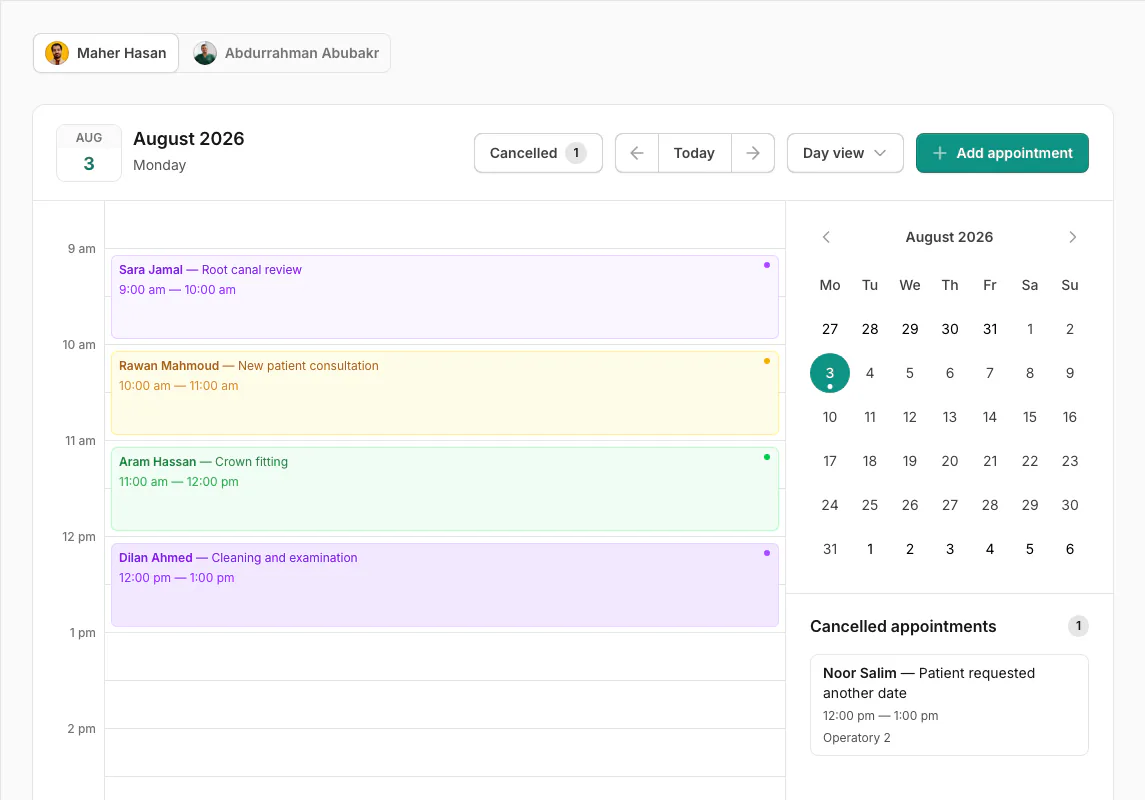
Day view turns the clinic schedule into a clear timeline. Each appointment sits in its exact slot with the patient, purpose, time, room, and current status easy to scan.
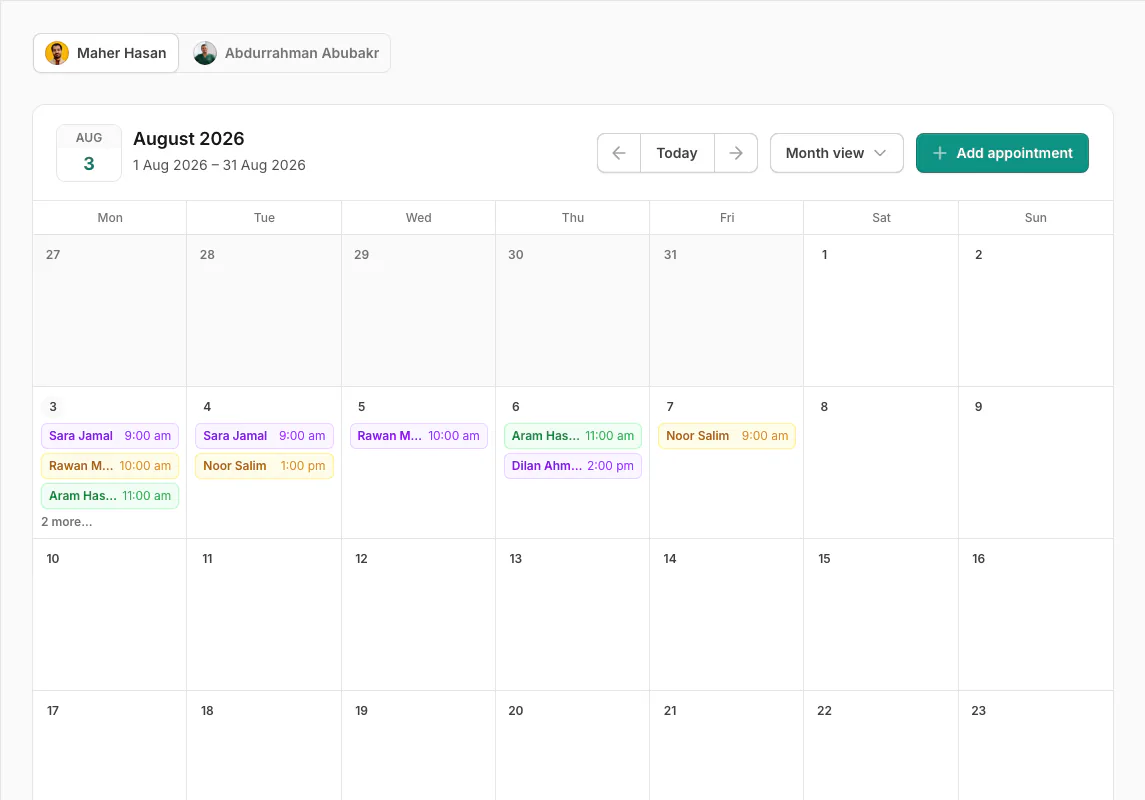
Start broad in Month view, compare the week, or focus on one detailed day. Navigation stays familiar, and Asnan+ remembers the view and date you were using.
Create an appointment from the header, a date, or the exact time slot you want. The form keeps the patient, contact details, date, start and end times, optional room, status, and note together.
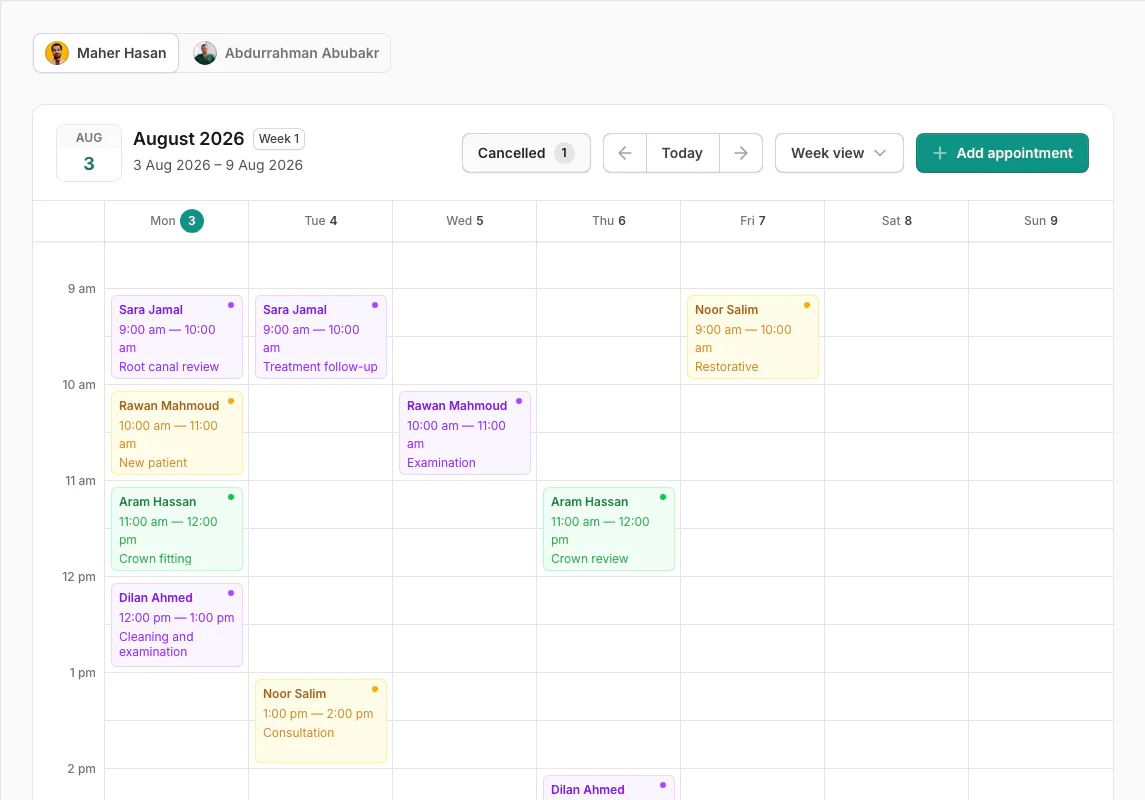
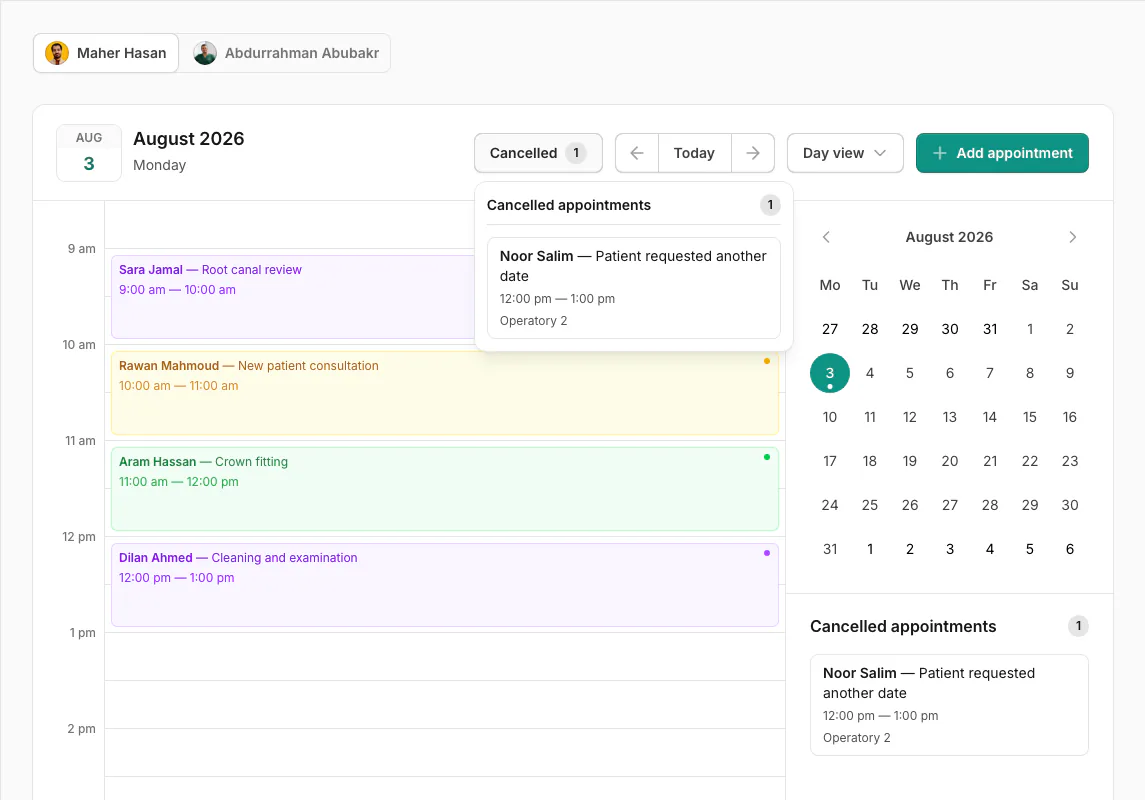
Status colors make the schedule readable before anyone opens a record. Cancelled visits remain available for review without crowding active Week and Day schedules.
Asnan+ adapts the schedule to the user's role, permissions, and doctor scope while keeping the clinic working from one shared calendar.
Choose a doctor, find or add the patient, select the time and room, set the status, and save.
Switch between permitted doctor schedules using avatar tabs on desktop or a select on smaller screens.
Create, edit, view, and delete actions follow clinic permissions and appointment ownership.
Use treatment rooms when they help coordinate space, while keeping scheduling possible without them.
Create your clinic and bring appointments, patient care, your team, and your money into one clear workflow.